
Interactive Displays: Bridging the Gap in Online Learning Environments

As online learning continues to grow in popularity, educators and students face a common challenge: maintaining engagement and interaction in virtual classrooms. Traditional online learning tools often fall short when it comes to fostering meaningful connections, active participation, and dynamic learning experiences. This is where interactive displays come into play—transforming online learning environments into engaging, interactive spaces that bridge the gap between traditional classroom experiences and digital education.
In this blog, we’ll explore how interactive displays in education are revolutionizing online learning, enhancing collaboration, and improving educational outcomes for students around the world.
What Are Interactive Displays?
Interactive displays, also known as interactive flat panels (IFPs) or smart boards, are large, touchscreen-enabled screens that allow users to interact directly with digital content. While they are commonly used in physical classrooms, interactive displays are equally effective in online learning environments, offering real-time interaction, multimedia integration, and collaborative features.
These displays support multi-touch functionality, high-resolution visuals, and seamless integration with online teaching platforms, making them ideal for virtual classrooms.
The Challenge of Online Learning Engagement
One of the biggest hurdles in online education is keeping students engaged. Without the physical presence of a classroom, students may feel disconnected, distracted, or unmotivated. Traditional video lectures and static presentations often fail to capture attention or encourage active participation.
This is where interactive displays bridge the gap by creating dynamic, interactive learning experiences that mimic the energy and interactivity of in-person classrooms.
How Interactive Displays Enhance Online Learning
1. Interactive Lessons and Real-Time Engagement
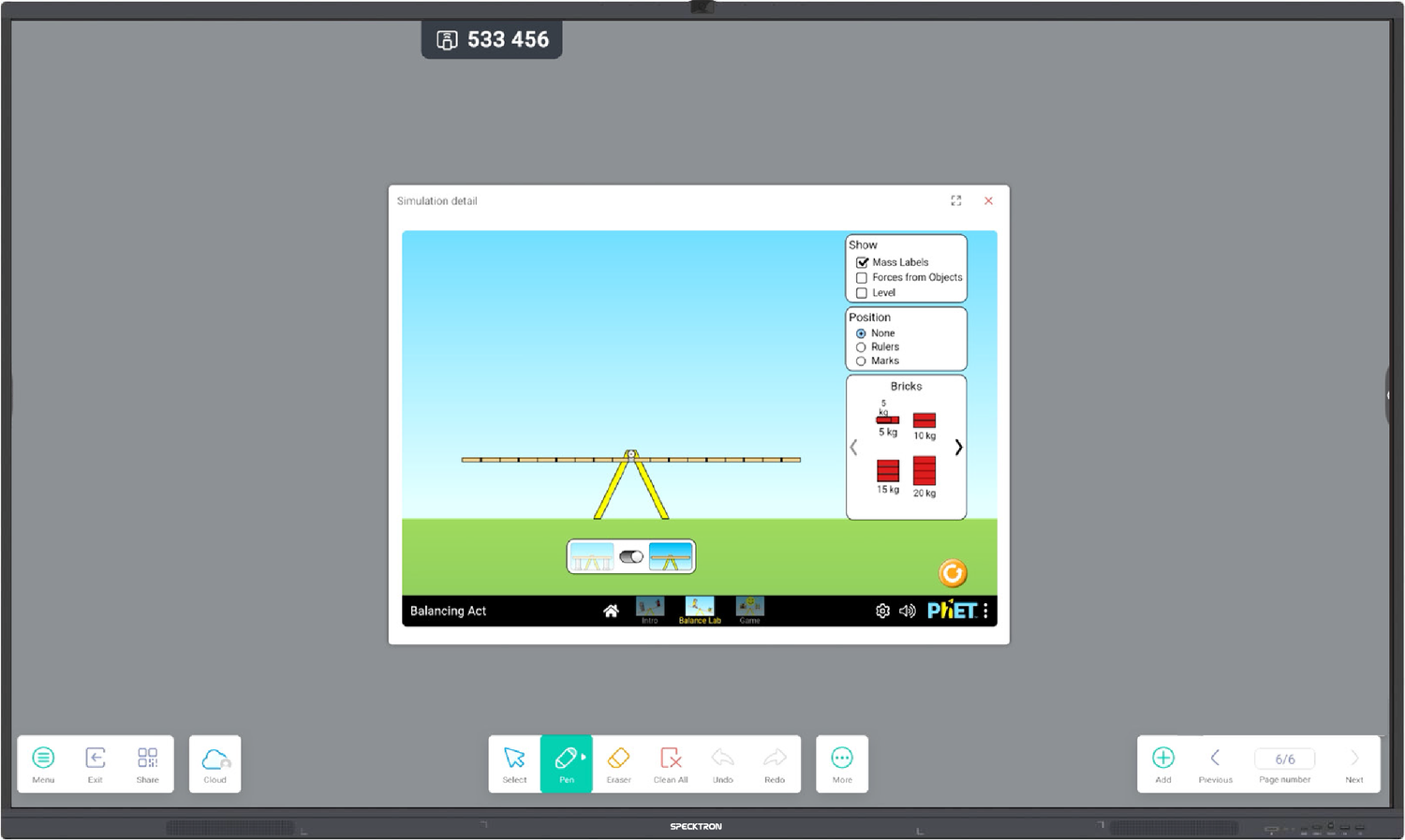
Interactive displays allow educators to create immersive lessons that include multimedia content like videos, animations, and interactive diagrams. Teachers can annotate, highlight, and manipulate content in real time, encouraging students to participate actively in discussions and problem-solving activities.
2. Seamless Collaboration and Group Activities
Even in a virtual environment, students can collaborate effectively using interactive displays. Teachers can divide students into breakout groups, where they can work together on shared documents, digital whiteboards, and interactive projects—fostering teamwork and communication.
3. Instant Feedback and Assessments
Interactive displays enable real-time quizzes, polls, and assessments that provide immediate feedback to both teachers and students. This helps identify learning gaps quickly and allows for timely interventions to support student success.
4. Personalized Learning Experiences
Online learning environments often struggle to accommodate diverse learning styles. Interactive displays support differentiated instruction, allowing teachers to customize content based on individual student needs, preferences, and skill levels.
5. Enhanced Teacher-Student Interaction
Interactive displays facilitate more natural teacher-student interactions. Teachers can draw, write, and explain concepts visually, making it easier to convey complex ideas and maintain student attention during online lessons.
Benefits of Interactive Displays in Online Learning
Increased Student Engagement: Dynamic content keeps students interested and motivated.
Improved Collaboration: Students can work together in real time, even from different locations.
Higher Retention Rates: Interactive lessons help students retain information better than passive learning methods.
Flexible Learning: Supports asynchronous and synchronous learning formats, catering to different schedules.
Real-World Applications in Online Learning
STEM Education: Visualize scientific experiments and mathematical concepts with interactive simulations.
Language Learning: Engage in interactive language exercises, pronunciation drills, and vocabulary games.
Professional Development: Conduct virtual workshops and training sessions with interactive presentations and collaborative activities.
Special Education: Customize learning tools for students with diverse needs, incorporating accessibility features like text-to-speech and adaptive interfaces.
Conclusion
Interactive displays are more than just a classroom tool—they are a game-changer for online learning environments. By enhancing engagement, fostering collaboration, and supporting personalized instruction, interactive displays are bridging the gap between traditional and digital education.
As online learning continues to evolve, embracing interactive display technology will be key to creating more effective, interactive, and inclusive virtual classrooms.